
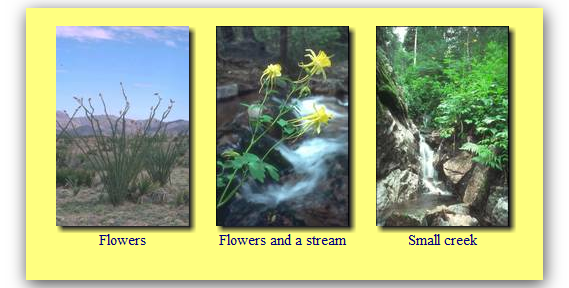
I have just released STGThumb 3.05. The main new feature is CSS Drop Shadows. You can see a sample below, as rendered by Google Chrome 11
STGThumb added Drop Shadow as an image effect many years ago.
There are a few advantages with the new CSS Method:
- Even when images are not created by the program, you get the drop shadows. That means they apply for all albums, non-resized images on Vertical and Horizontal framed albums, as well as slide shows. Pure HTML Albums too.
- You can change the background color of the HTML and they still look fine, even with background images.
The one disadvantage is that they are rendered by the browser – that means they may change from browser to browser and may not even work on some.
To turn CSS Drop Shadows on, just turn the option on menu Options,HTML Configuration. I recommend turning the image effect off on menu Options, Output Settings if it is on.
The new version is available from the regular page, as usual.
